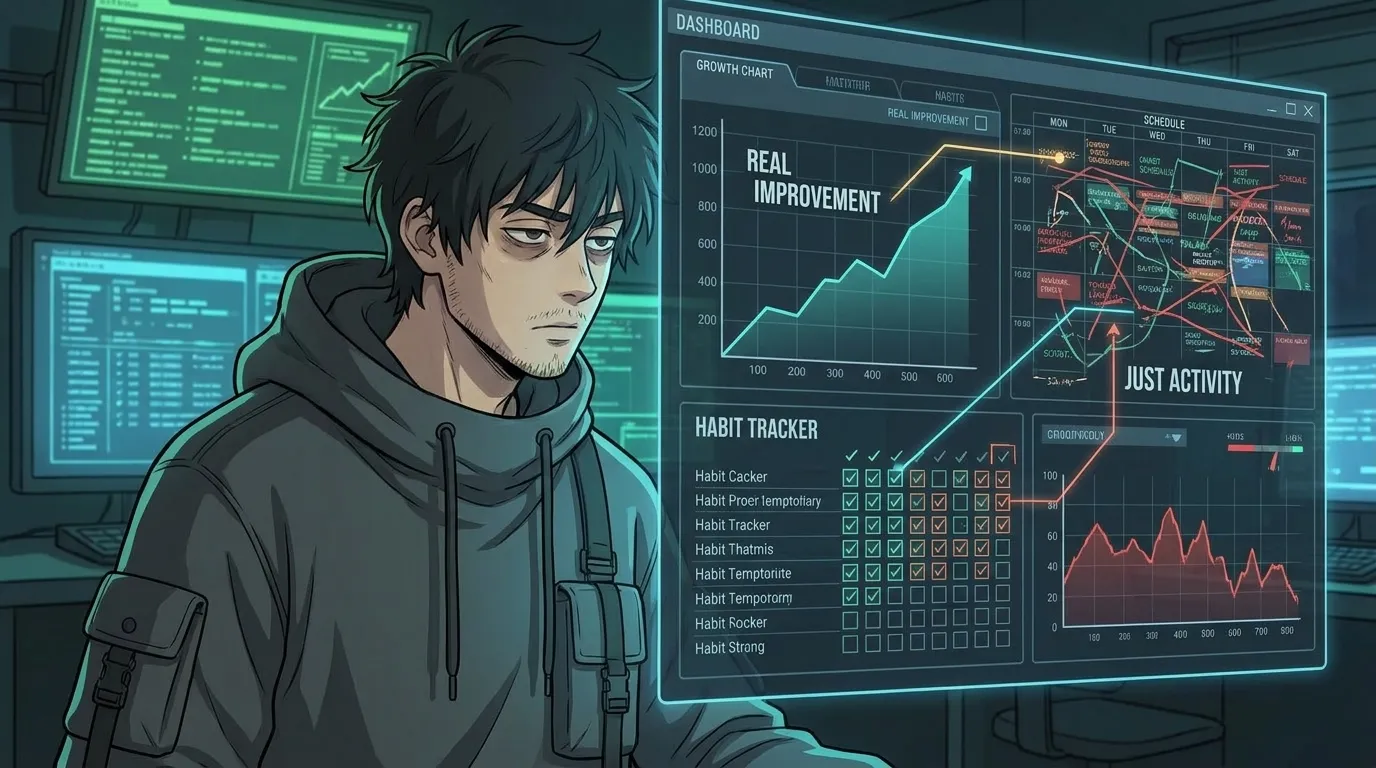
Ever feel like you’re trying to improve yourself but nothing sticks? You read books, try new habits, and still end up stuck in the same loops. What if the problem isn’t you—it’s the lack of a proper debugging system for your life?
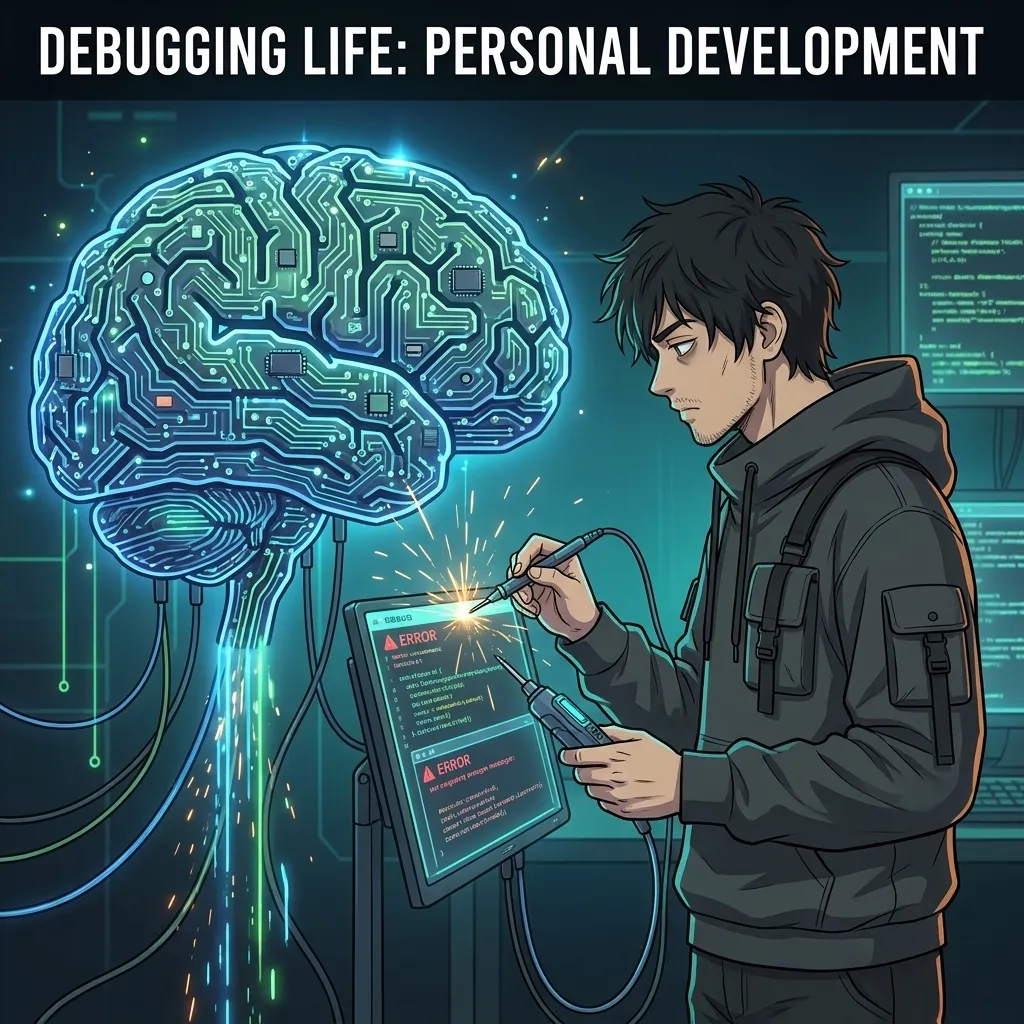
Just like a computer runs on code that can be inspected, tested, and patched, your daily reality operates on patterns of thought, behavior, and environment. When those patterns contain “bugs”—inefficient habits, limiting beliefs, or misaligned goals—you experience friction, stagnation, or burnout. The Personal Development System (PDES) treats your life as a modular, debuggable system. Using the same logic that powers every computer, you can perceive the issue, model the state, design a fix, build the solution, and measure the results.
Why Traditional Self‑Help Feels Like Spaghetti Code
Most advice is fragmented: “Wake up early,” “Meditate,” “Set SMART goals.” Without a unifying architecture, these tips become isolated snippets—like random lines of code thrown into a file with no structure. The result?
- Inconsistent execution (you try a habit for a week, then quit)
- No clear metrics to know if you’re improving
- Frustration when progress stalls because you can’t locate the root cause
“If you can’t measure it, you can’t improve it.” – Peter Drucker
PDES gives you a repeatable pipeline: Input → Process → Output. You dump raw data (journals, metrics, feedback) into the input/ folder, let the core skills process it, and receive actionable artifacts in output/. Think of it as an operating system for personal growth.
The PDES Debugger: A 5‑Level System Overview
Inspired by software engineering, PDES breaks personal development into six core phases. For beginners, we focus on the first five levels that move you from perception to measurable improvement. Each level maps directly to a familiar CS concept:
- Perceive (core_perceive) – Like a system boot‑up BIOS, you assess the current state.
- Model (core_model) – Translate reality into a structured state machine, similar to defining variables and data types.
- Design (core_design) – Create protocols and flowcharts, akin to designing algorithms.
- Build (core_build) – Generate SOPs, trackers, and environments—your personal “codebase.”
- Measure & Optimize (core_measure + core_optimize) – Apply Life Quant metrics (Win Rate, Drawdown, Expectancy, etc.) to debug and refactor the habit loop.
Level 1 – Perceive: Mapping Your Current State
Before you can fix a bug, you need to see it. In PDES, perception is a structured inventory:
- Time Audit – Log how you spend each hour for 3 days.
- Energy Map – Rate your energy (1‑10) at key moments (morning, post‑lunch, evening).
- Belief Scan – Write down recurring thoughts (“I’m not good enough,” “I don’t have time”).
- Environment Check – Note physical and digital clutter that drains focus.
Export these notes into a markdown file and place it in input/perception.md. This becomes the raw data the system will process.
Level 2 – Model: Turning Reality into a State Machine
Now translate the perceived data into a simple state machine:
- States – Distinct modes you operate in (e.g.,
FocusedWork,DistractedScroll,Recovery). - Transitions – Triggers that move you between states (e.g., “phone notification → DistractedScroll”).
- Inputs/Outputs – What each state consumes (energy, time) and produces (completed tasks, stress).
Sketch this on paper or use a free tool like draw.io. Save the diagram as input/model.webp. The model gives you a clear map of where leaks (bugs) occur.
Level 3 – Design: Building Actionable Protocols
With the model in hand, design “patches” for each problematic transition:
- Interrupt Pattern – Replace the trigger with a healthier cue (e.g., put phone in another room →
FocusedWorkstays). - Reward Substitution – Give yourself a micro‑reward after completing a state (5‑minute stretch after 25 min focus).
- Environmental Design – Optimize your physical/digital space to make the desired state the path of least resistance.
Write each protocol as a concise SOP (Standard Operating Procedure) and store it in templates/protocol_focusedwork.md. Use the following format:
# FocusedWork SOP
Goal: Produce deep work without distraction.
Trigger: Start of work block (calendar event).
Steps:
1. Close all non‑essential tabs.
2. Put phone on Do‑Not‑Disturb in another room.
3. Set a 25‑minute timer (Pomodoro).
4. Work on the top priority task.
5. When timer ends, mark completion and take a 5‑minute break.
Metrics: Number of completed Pomodoros per day, self‑rated focus (1‑10).
Level 4 – Build: Creating SOPs, Trackers, and Infrastructure
Now turn those SOPs into living artifacts you can execute daily.
- Daily Tracker – A simple spreadsheet or Notion table logging each SOP execution, time spent, and metric scores.
- Automation Cues – Use phone reminders or habit‑stacking (e.g., “After I brush my teeth, I review my Daily Tracker”).
- Review Cadence – Every Sunday, spend 15 minutes analyzing the tracker: Which SOPs ran smoothly? Which transitions failed?
Export the tracker template to output/daily_tracker.csv. This file becomes your real‑time dashboard.
Level 5 – Measure & Optimize: Applying Life Quant Metrics
Just as a quant trader monitors Win Rate, Drawdown, and Sharpe Ratio, you track personal performance metrics to know if your patches are working.
- Win Rate – % of planned SOPs executed correctly each day.
- Drawdown – Maximum consecutive days where Win Rate dropped below 50 %.
- Expectancy – (Win Rate × Average Reward) – ((1‑Win Rate) × Average Cost). Positive expectancy means your system is profitable.
- Sharpe Ratio (Adapted)** – Consistency of rewards relative to volatility; higher = smoother progress.
Calculate these weekly in a simple Google Sheet. If Expectancy turns negative, dive back into Level 1–4 to locate the bug.
“The first step to fixing a bug is admitting it exists.” – Anonymous Developer
Putting It All Together: Your First Debug Cycle
- Perceive – Fill out the perception logs and save to
input/. - Model – Draw your state machine diagram and store it.
- Design – Write SOPs for each problematic transition and place them in
templates/. - Build – Create your daily tracker and set up reminder cues.
- Measure & Optimize – Log execution, compute Life Quant metrics, and iterate.
Repeat this cycle every week. Over time, you’ll shrink your Drawdown, raise your Win Rate, and develop a system that compounds—just like a well‑optimized codebase.
Ready to stop guessing and start debugging your life? The PDES framework gives you the exact tools to locate the broken lines, patch them, and watch your performance compile.
Your Life Has Bugs. Here’s the Debugger. A 5‑level system to find what’s broken, isolate the cause, and fix it — using the same logic that runs every computer on the planet.