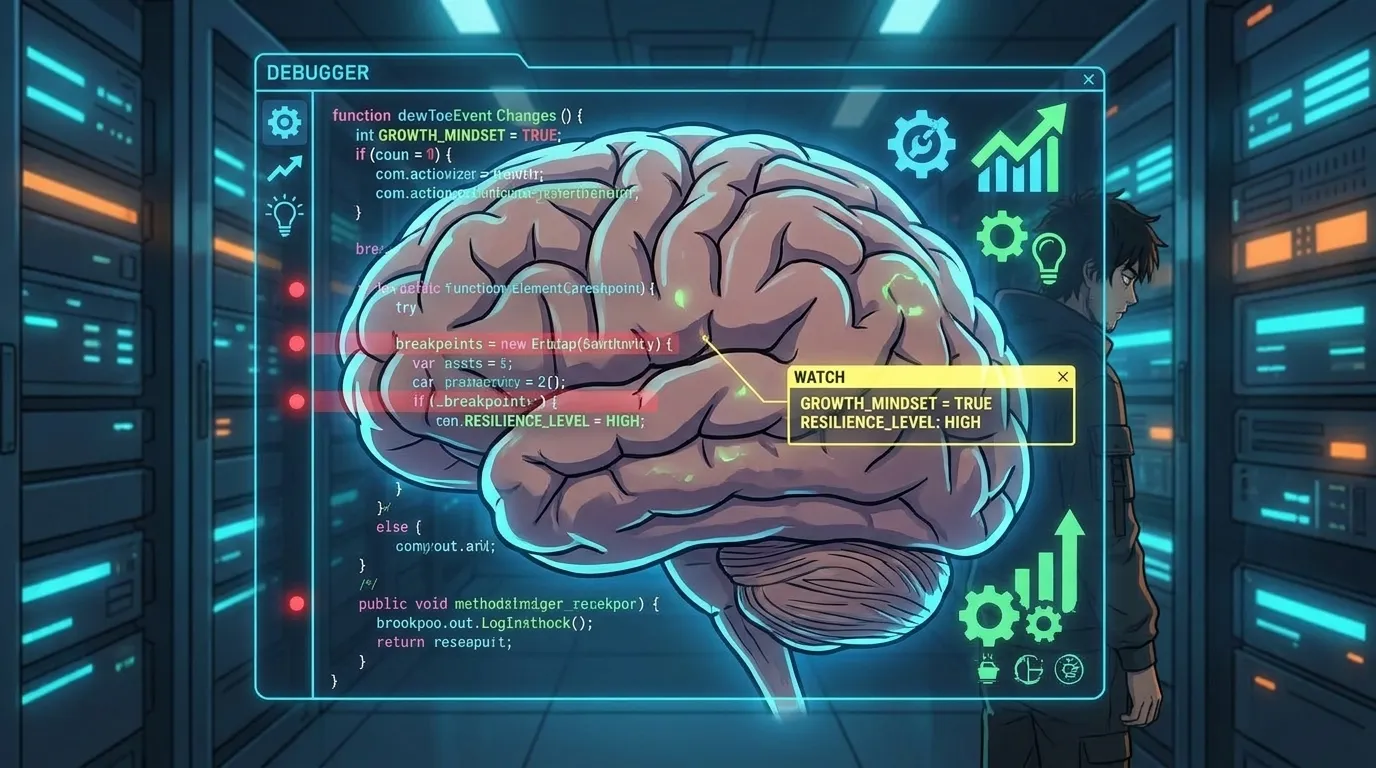
Have you ever felt like your life is running on buggy code?
You set goals, but they crash.
You try new habits, but they produce unexpected errors.
What if you could treat your personal growth like a software system—identify the bugs, isolate the root cause, and deploy a fix using proven debugging logic?
That’s exactly what the PDES (Personal Development System Engineering) methodology does.
By borrowing concepts from computer science—such as state machines, version control, and iterative optimization—PDES gives you a repeatable, measurable framework to upgrade your mindset, habits, and results.
You’ll discover the 5-level debugger at the heart of PDES and learn how to run it on your own life.
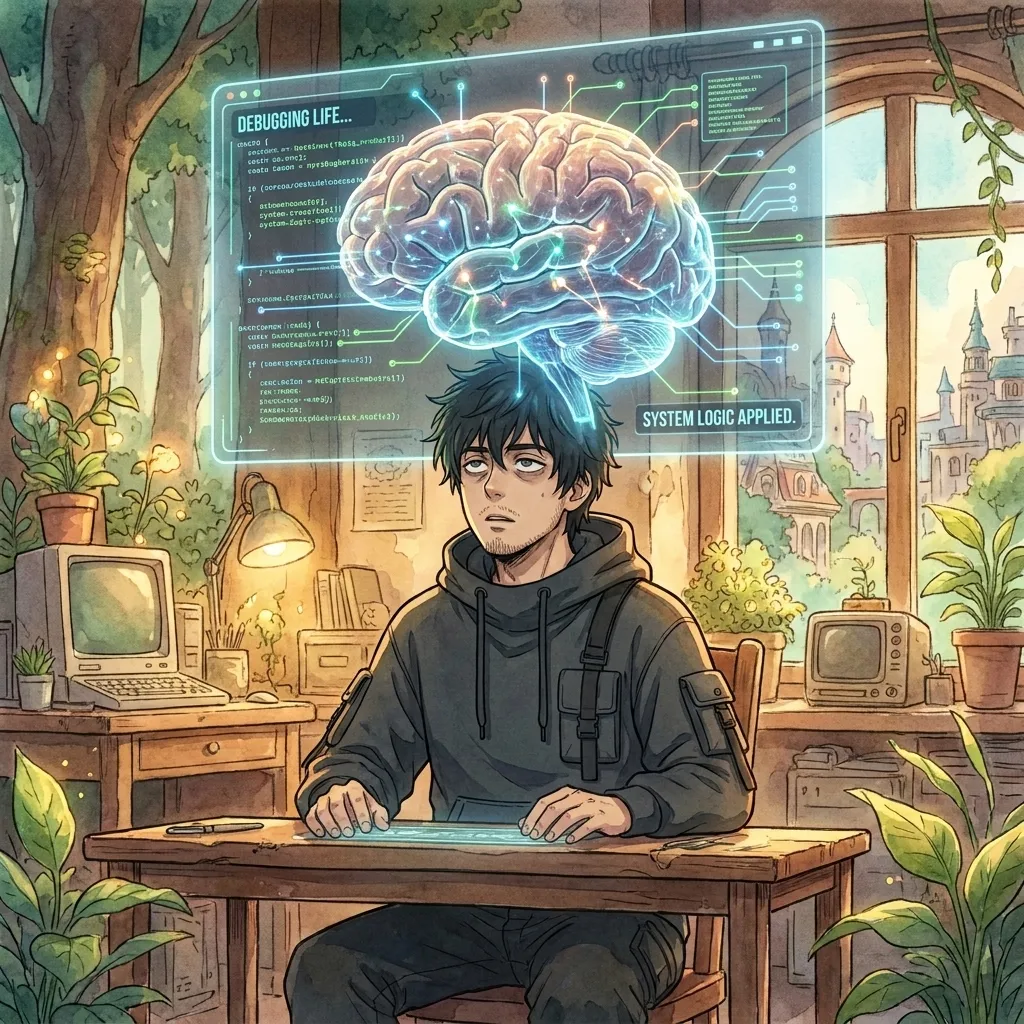
What Is PDES? The CS‑Meets‑PD Framework
PDES stands for Personal Development System Engineering. It treats your reality as a modular system that can be perceived, modeled, designed, built, measured, and optimized—the same six‑phase loop that engineers use to create reliable software.
Instead of vague self‑help advice, PDES gives you concrete artifacts: perception reports, state‑machine models, design protocols, SOPs, KPI dashboards, and optimization logs. Each artifact is versioned, reviewable, and improvable—just like code in a Git repository.
“The index is the map that enables navigation through the territory of self‑optimization.” — PDES Kernel
The 5‑Level Debugger: Find, Isolate, Fix
At the core of PDES is a five‑level debugging process that mirrors how engineers troubleshoot software.
Each level adds depth, turning vague frustration into precise action.
Level 1 – Perceive: Run the Diagnostic Scan
Start by dumping the current state.
Use the /perceive skill to collect data: mood logs, time‑tracking sheets, outcome metrics, and environmental factors.
The goal is a raw “crash dump” that shows what’s actually happening, not what you think is happening.
- Collect quantitative data (hours slept, tasks completed, revenue).
- Collect qualitative data (feelings, distractions, motivations).
- Tag each entry with context (work, health, relationships).
Level 2 – Model: Build the State Machine
Turn the dump into a structured model.
With /model, you define states (e.g., “Focused”, “Distracted”, “Burned Out”), transitions (what triggers a shift), and events (inputs like caffeine, meetings, exercise).
This model becomes your personal finite‑state machine.
“A good model makes the invisible visible.”
Level 3 – Design: Write the Fix Protocol
Now design the patch.
Using /design, you create:
- Guard conditions (pre‑checks before a state change).
- Action scripts (the exact habit or routine to execute).
- Rollback plans (what to do if the patch introduces a new bug).
Level 4 – Build: Deploy the SOP
Convert the design into an SOP (Standard Operating Procedure) with /build.
This is your executable code: a checklist, a tracker, or a simple script you run daily.
Version it (v1.0, v1.1…) so you can revert if needed.
Level 5 – Measure & Optimize: Close the Loop
The final two PDES phases—/measure and /optimize—provide the feedback loop.
Apply Life Quant metrics (win rate, drawdown, expectancy, Sharpe ratio, etc.) to your SOP’s performance.
If the KPIs improve, commit the change; if not, open a new issue and repeat the cycle.
Applying CS Concepts to Personal Growth
PDES isn’t just a metaphor; it maps real computer science constructs to human development:
- Version Control – Every SOP, model, and perception log is commit‑able. You can
checkoutto a previous stable state. - Interrupt Handling – Unexpected events (a crisis, a surprise opportunity) become interrupts that trigger predefined handler routines.
- Memory Management – Cognitive load is tracked like RAM usage; you “swap out” low‑value activities to free mental space.
- Concurrency & Threading – You learn to run multiple goals in parallel without deadlock, using priority queues and time‑slicing.
- Error Codes & Logging – Setbacks produce error codes (e.g., ERR‑MOTIVATION‑001) that you log and search for known fixes.
Getting Started: Run Your Own Debug Protocol
You don’t need a PhD in computer science to begin.
Follow this quick start guide to launch your first PDES debug cycle today.
- Install the Kernel – Save the core skills folder (
core_perceivethroughcore_optimize) to a localpdes/directory on your computer or note‑taking app. - Run /perceive – Spend 15 minutes dumping today’s data into a markdown file:
perceive_YYYY-MMDD.md. - Run /model – Sketch a simple state machine with three states: Productive, Neutral, Drained. Draw arrows showing what moves you between them.
- Run /design – Write a one‑page SOP for returning to Productive when you detect the Drained state (e.g., 5‑minute walk, hydration, two‑minute breathing).
- Run /build – Turn that SOP into a printable checklist or a phone reminder.
- Run /measure – At day’s end, score your adherence (0‑100) and note the outcome (tasks completed, mood).
- Run /optimize – If adherence < 80, tweak the SOP (change the trigger, adjust the action) and commit version v1.1.
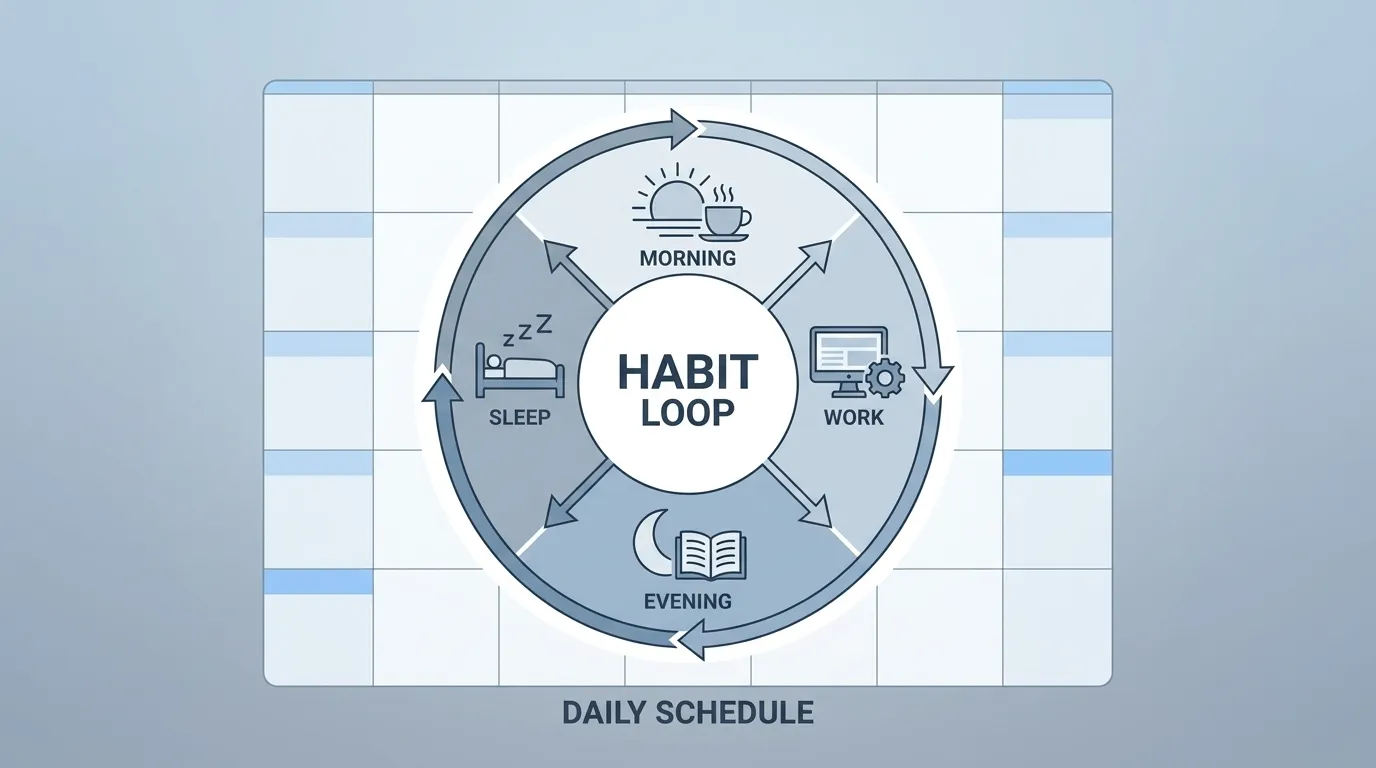
Repeat this loop weekly.
Over time, you’ll accumulate a library of versioned SOPs—your personal “codebase” for peak performance.
Take the Next Step: Get the Full Debug Protocol
If you want the complete, battle‑tested PDES debugger—including all six core skills, the 32‑level ladder, niche plugins for trading, content, and health, plus ready‑to‑use templates and tracking sheets—click the button below.
Inside you’ll find:
- The full PDES skill set (perceive → optimize) with ready‑made command scripts.
- The 32‑Level CS‑to‑Human Development map (from BIOS to Quantum).
- Niche‑specific plugins for trading systems, content repurposing, and biohacking.
- Editable SOPs, trackers, and Life Quant dashboards in Notion, Excel, and Markdown formats.