You feel stuck, overwhelmed, or like you’re constantly putting out fires instead of moving forward. What if the problem isn’t motivation—it’s that your life is running on buggy, undocumented code?
Just like any computer system, your life has inputs, processes, states, and outputs. By applying the same debugging logic that engineers use to fix software, you can isolate the broken parts, understand why they fail, and patch them with reliable frameworks.

Phase 1: Perceive – Map Your Current State
Before you can fix a bug, you need to reproduce it. In life, this means taking an honest inventory of where you are right now—habits, energy levels, commitments, and pain points.
- List your top three recurring frustrations (e.g., “I’m always tired after work,” “I miss deadlines,” “I feel anxious about money”).
- Track your time for 48 hours in 30‑minute blocks. Note what you actually did, not what you planned.
- Rate each life domain (health, work, relationships, growth, finances) on a 1‑10 scale for satisfaction and energy.
“You cannot improve what you do not measure.” — Adapted from engineering diagnostics
Phase 2: Model – Build Your Life State Machine
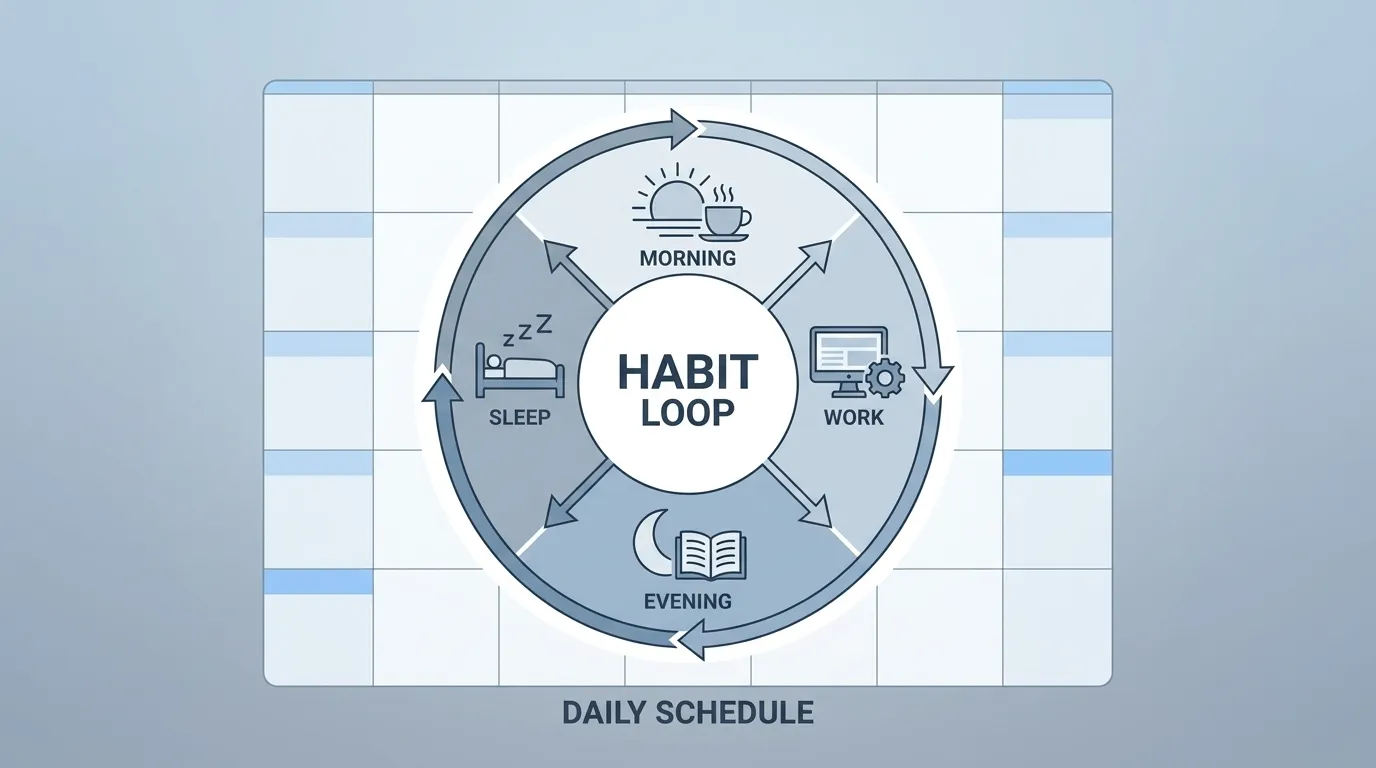
Software engineers model systems as states and transitions. Treat each area of your life as a state (e.g., “Focused Work,” “Recovery,” “Social”) and define the triggers that move you between them.
- Identify the core states you cycle through daily (e.g., “Deep Work,” “Meetings,” “Exercise,” “Family Time”).
- For each state, define:
- Entry condition (what starts this state)
- Exit condition (what ends it)
- Desired output (what you want to produce while in this state)
- Draw a simple flowchart: circles for states, arrows for transitions labeled with the trigger.
Phase 3: Design – Create Actionable Protocols
With a clear model, you can now write standard operating procedures (SOPs) for each state—your personal “code” that tells you exactly what to do.
- For the “Deep Work” state, your SOP might be:
- Turn off notifications.
- Set a 90‑minute timer.
- Work on the single most important task.
- When timer ends, take a 10‑minute break.
- Repeat this process for every state you identified.
- Document these SOPs in a place you’ll see them— a notebook, a digital note, or a wall‑mounted checklist.
“Good code is its own best documentation. As you add a SOP, imagine you’re commenting your life for future you.”
Phase 4: Build – Generate SOPs, Trackers, and Infrastructure
Now turn those SOPs into tangible tools you can use every day.
- Checklist Cards: Print or write each SOP on a index card. Keep the deck by your workspace.
- Time‑Blocking Template: Use a simple table (time block | state | SOP reference) to plan your day the night before.
- State‑Tracker Log: At the end of each block, note whether you entered the intended state, followed the SOP, and any deviations.
These artifacts form the “runtime environment” for your life operating system—making execution automatic rather than relying on willpower.
Phase 5: Measure & Optimize – Apply Life Quant Metrics and Debug Loop
Just as software teams monitor KPIs, you need metrics to know whether your patches are working.
- Win Rate: % of time blocks where you followed the SOP completely.
- Average Focus Duration: Mean length of uninterrupted Deep Work sessions.
- Energy Drawdown: Drop in self‑rated energy from start to end of day.
- Recovery Factor: How quickly you return to baseline energy after a high‑stress block.
- Opportunity Cost: Time spent in low‑value states that could have been reallocated.
Run a weekly “debug sprint”: review your tracker, identify any state where Win Rate < 70%, examine the deviation, and update the SOP or transition trigger. This tight feedback loop is the essence of continuous improvement.
“The most powerful debugging tool is a tight feedback loop—measure, learn, adjust, repeat.”
Synthesis: From Chaos to a Debuggable Life
By moving through Perceive → Model → Design → Build → Measure & Optimize, you’ve transformed vague intentions into a concrete, executable system. Each iteration reduces bugs, raises your Win Rate, and lets you allocate more energy to what truly matters.
Think of your life now as a living repository: the SOPs are your source code, the tracker is your log file, and the weekly debug sprint is your CI/CD pipeline. When you encounter a new challenge, you simply add a new state, write its SOP, test it, and merge it into your main branch.
Click the button to receive a free, step‑by‑step Debug Protocol PDF that walks you through each phase with printable worksheets, example SOPs, and a tracker template.