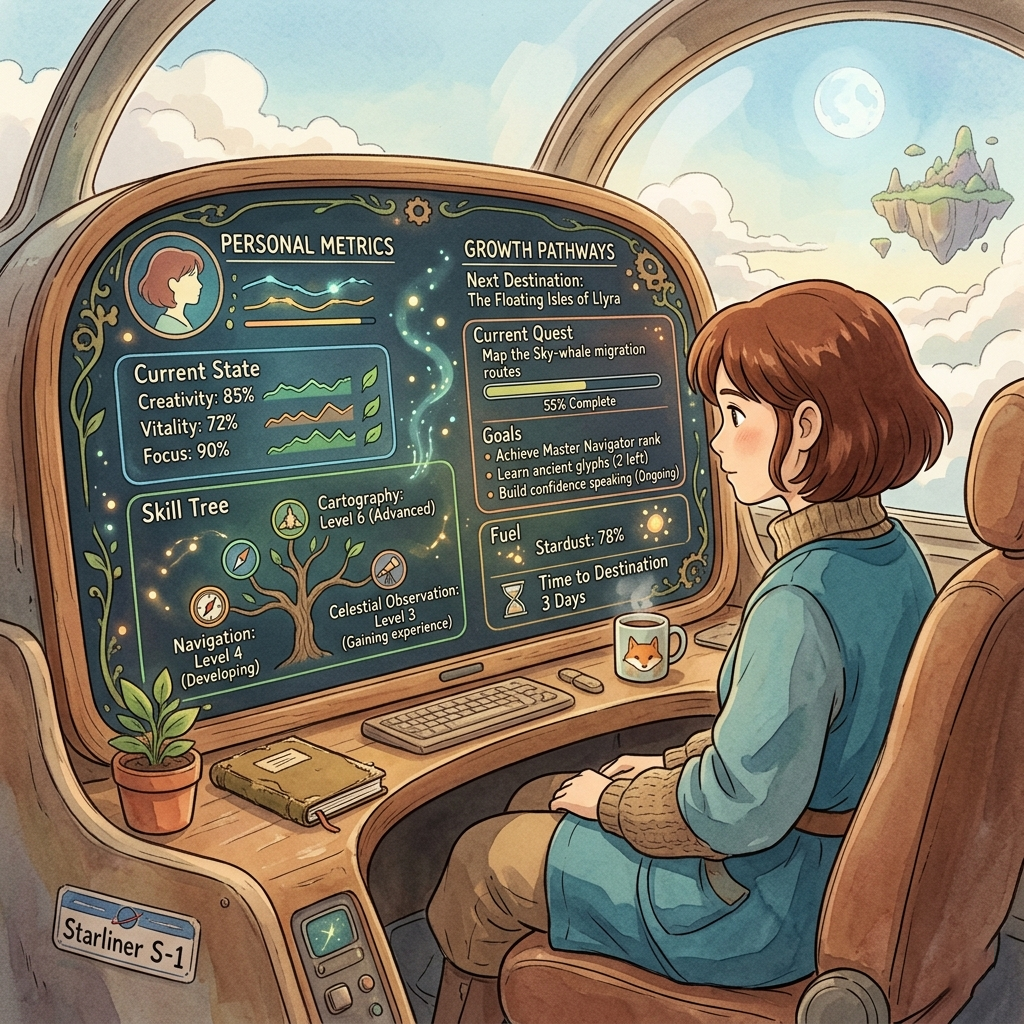
Feel like your life is stuck in a loop of errors, crashes, and unexplained slowdowns?
You’re not broken—you’re running outdated code.
Just like any computer system, your reality operates on processes, memory, and logic.
When those processes misfire, you experience stress, stagnation, and missed opportunities.
By treating your life as an operating system, you can apply the same debugging principles that engineers use to keep servers running 24/7: perceive the symptoms, model the underlying state, design a fix, build the solution, and measure the outcome.

What Is a Life Operating System?
A Life Operating System (Life OS) is the set of core processes, subroutines, and memory stores that drive your daily behavior. Think of it as the firmware that decides how you interpret input, allocate energy, and execute actions.
- Kernel (Core Values): The low‑level routines that manage priority scheduling and access to resources.
- Processes (Habits & Routines): Active programs that consume CPU time—your morning routine, work flow, exercise schedule.
- Memory (Beliefs & Experiences): Stored data that influences how new instructions are interpreted.
- I/O (Inputs & Outputs): Information you take in (news, conversations) and the actions you put out (speech, creation, decisions).
- Security Layer (Boundaries & Self‑Talk): Firewalls that protect against toxic inputs and unauthorized processes.
The 5‑Level Debugging Protocol
When a system misbehaves, engineers follow a repeatable cycle. Apply these five levels to locate and patch the bugs in your Life OS.
- Perceive: Run a diagnostic scan. Journal your energy, mood, and output for 48 hours. Look for error logs—moments of frustration, procrastination, or fatigue.
- Model: Translate the raw data into a state machine. Map each habit as a process, each belief as a memory block, and each trigger as an input signal.
- Design: Create a fix‑framework. Define the desired state (e.g., “focused work blocks”) and specify the patches needed (new cue‑routine‑reward loops, updated belief scripts).
- Build: Generate the standard operating procedures (SOPs). Write concrete implementation steps: a 25‑minute focus timer, a morning belief‑reset affirmation, an evening review checklist.
- Measure & Optimize: Deploy Life Quant metrics (win rate, drawdown, expectancy) to quantify the patch’s impact. Iterate: if the metric improves, lock in the change; if not, roll back and debug further.
Applying Life Quant Metrics to Your OS
Just as a trading system tracks performance, your Life OS needs objective KPIs. These five metrics give you a quantifiable feedback loop.
- Win Rate: Percentage of daily intentions that you successfully execute. Target >70%.
- Drawdown: Maximum consecutive days you fall below your baseline productivity. Keep it under 3 days.
- Expectancy: Average gain per habit executed minus average loss per missed habit. Positive expectancy means your OS is profitable.
- Sharpe Ratio (Risk‑Adjusted Return): Consistency of positive days divided by volatility. Aim for >1.0.
- Opportunity Cost: Value of the best alternative forgone when you engage in a low‑yield habit. Minimize by prioritizing high‑impact processes.
If your expectancy is negative, you are running a losing strategy—debug the underlying belief or cue.
Building Habit Loops That Run Like Optimized Code
At the lowest level, your Life OS is built from habit loops—tiny programs that fire on cue. Optimize them the way you would tighten a critical subroutine.
- Cue: The interrupt that launches the process (time of day, location, preceding action). Make cues obvious and unavoidable.
- Routine: The executable code (the action you want). Write it as a clear, single‑line command: “Open document and write 200 words.”
- Reward: The payoff that reinforces the loop (completion feeling, small treat, progress bar). Ensure the reward follows the routine immediately.
- Feedback Debugger: After each execution, log success/failure and note any latency. Use this log to patch timing issues or resource conflicts.
When the cue‑routine‑reward chain is tight and the feedback loop is fast, your habits compile into efficient binaries that run with minimal CPU drain—freeing up energy for higher‑level processes like creativity and strategic thinking.
Bringing It All Together: Your Personal Debugger
By now you have:
- A clear map of your Life OS processes and memory.
- A repeatable 5‑level debugging cycle to locate and fix bugs.
- Objective Life Quant metrics to verify every patch.
- Optimized habit loops that compile into low‑overhead, high‑reliability subroutines.
Run this debugger weekly. Treat each iteration as a sprint: perceive, model, design, build, measure. Over time, your Life OS will boot faster, crash less, and allocate resources to what truly matters—just like a well‑maintained server handling peak traffic.