Tired of endlessly tweaking your Notion pages, only to feel stuck in the same loops of procrastination and overwhelm? You’re not alone. Many productivity enthusiasts chase the perfect “Life OS” inside Notion, hoping a flexible database will finally unlock their potential.
The truth is, flexibility without structure creates noise, not progress. A real personal development system isn’t a pretty dashboard—it’s a rigorously engineered operating system that treats your life like a debuggable program. Let’s break down why a Notion‑centric approach falls short and how a Computer Science‑based framework (PDES) delivers the fixes you actually need.
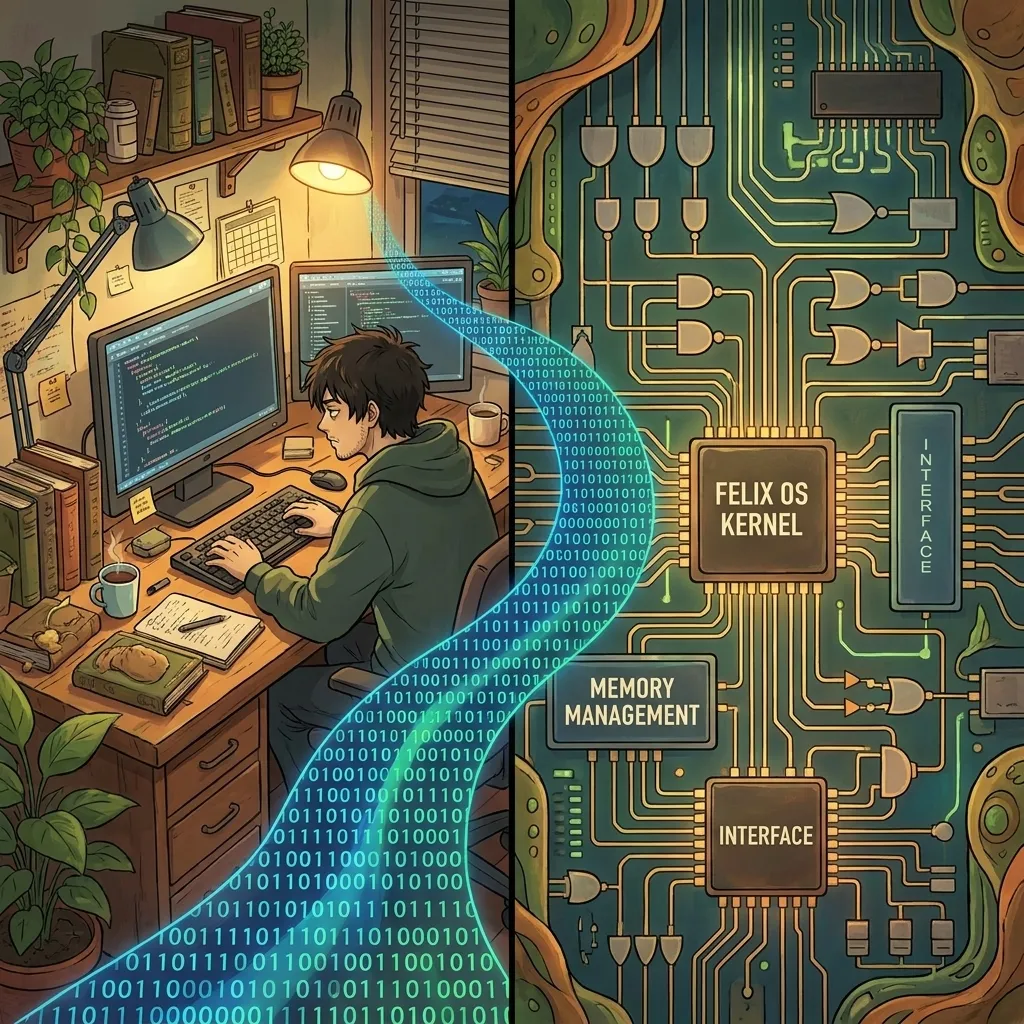
The Allure of Notion Life OS
Notion promises an all‑in‑one workspace: databases, kanban boards, calendars, and notes—all fully customizable. The appeal is obvious:
- Zero‑code drag‑and‑drop interface.
- Instantly visible progress bars and linked tables.
- Aesthetic freedom to match your mood.
Yet, the same flexibility becomes a liability when you need consistent execution. Without enforced processes, you spend more time arranging pages than doing the work that moves the needle.
What a Real Personal Development System Actually Is
A true system has three non‑negotiable layers:
- Perceive – Accurate diagnostics of your current state (habits, energy, skills).
- Model – A formal state‑machine that maps inputs, actions, and outcomes.
- Optimize – Continuous feedback loops using measurable metrics (win‑rate, drawdown, Sharpe‑ratio‑style expectancy).
In other words, it treats life as a software product: you define requirements, write code (habits), run tests (metrics), and patch bugs (behavioral tweaks).
dp/da: every action must increase your probability of success or reduce your cost.
The Gap: Flexibility vs Rigidity
When you rely solely on Notion’s flexibility, you typically encounter these patterns:
- Scope creep – Adding new databases for every new goal, diluting focus.
- Metric blindness – No automated KPI tracking; you guess whether you’re improving.
- Decision fatigue – Constantly choosing how to structure a page instead of acting.
A rigid, principle‑based OS eliminates these distractions by providing:
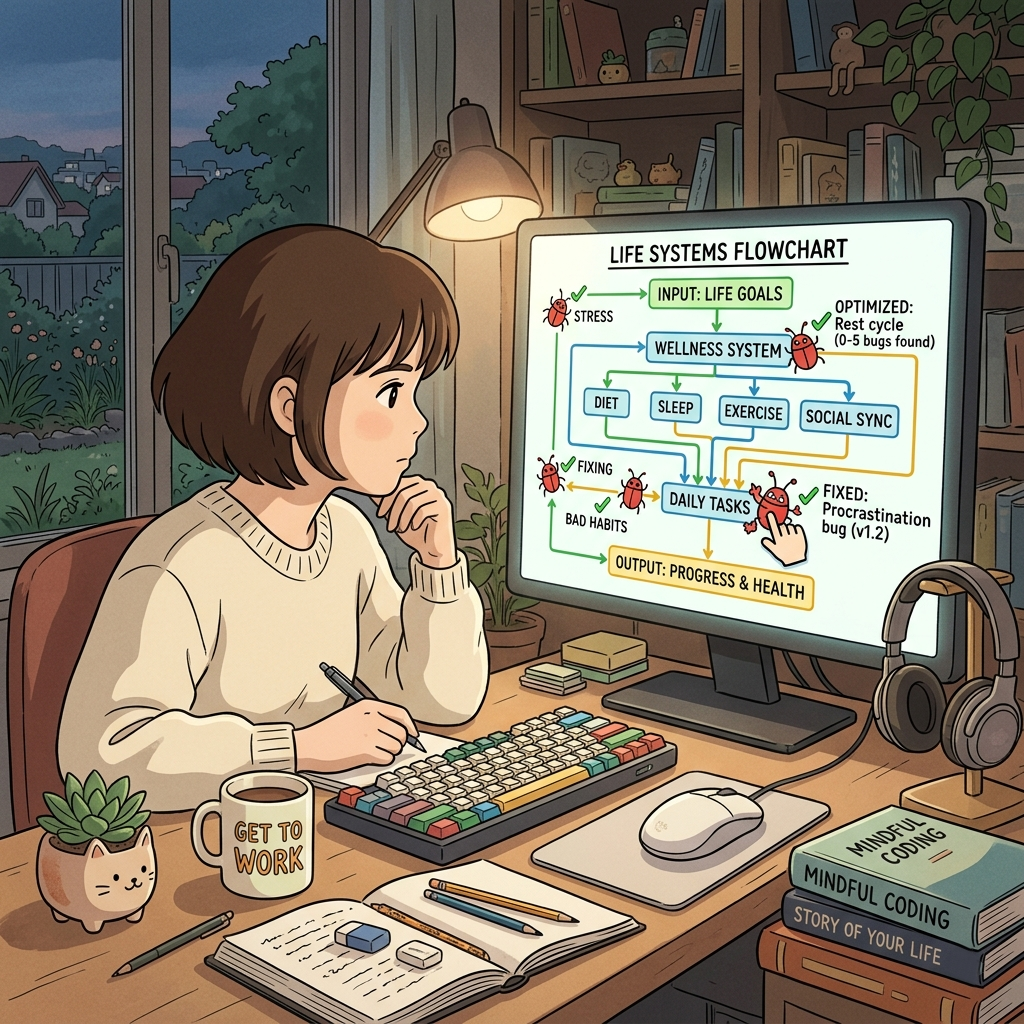
- Pre‑defined pipelines (Perceive → Model → Design → Build → Measure → Optimize).
- Standardized artefacts (SOPs, trackers, logs) that you fill, not redesign.
- Objective feedback via Life Quant metrics that tell you exactly when to pivot.
Introducing PDES: A CS‑Based Life OS
PDES (Personal Development Engineering System) maps 32 foundational Computer Science concepts to life stages and challenges. Each concept becomes a Level Skill with a concrete fix protocol.
For example:
- Null (G{0}) – Recognizing a blank slate; fix: start with a core perception audit.
- Variable (G{2}) – Tracking changeable inputs; fix: define measurable leading indicators.
- Locking (G{18}) – Preventing race conditions in habits; fix: implement habit‑stacking mutexes.
The system doesn’t ask you to rebuild your Notion pages; it gives you a repeatable workflow that works inside any tool—Notion, paper, or a dedicated app.
How PDES Solves the 32 Problems
Every life problem maps to a CS concept, and each concept has a fix protocol. The PDES pipeline ensures you:
- Perceive the problem accurately (no self‑deception).
- Model it as a state machine with clear inputs, transitions, and outputs.
- Design an intervention that targets the specific bug (e.g., a missing lock causing habit collisions).
- Build the SOP or tracker that encodes the fix.
- Measure the outcome with Life Quant metrics (win‑rate, expectancy, drawdown).
- Optimize by refactoring the loop until the metric improves consistently.
Think of PDES as the kernel that schedules your habits, allocates your attention, and handles interrupts (life emergencies) without crashing.
Getting Started: From Perception to Optimization
You don’t need to overhaul your entire setup today. Follow this mini‑pilot:
- Run /perceive: List your top three recurring frustrations and the metrics that show they’re hurting you.
- Run /model: Sketch a simple state‑machine (e.g., “Low Energy → Distraction → Guilt → Low Energy”).
- Run /design: Choose one CS concept that best describes the bug (e.g., “Loop” for endless distraction).
- Run /build: Create a one‑page SOP that inserts a 5‑minute reset before the distraction state.
- Run /measure: Track the number of resets per day and the corresponding focus score (1‑10).
- Run /optimize: If the focus score rises, lock in the SOP; if not, adjust the timing or add a lock (habit‑stacking).
Repeating this loop for each of the 32 Levels gradually turns your life into a debuggable, upgradable system—far more powerful than any static Notion dashboard.
Take the Next Step
Ready to see the full mapping of 32 life problems to their Computer Science fixes? Download the free cheat sheet that gives you every Level, its symptom, and the exact protocol to apply.